Mobile shift planning and people management

Share data and make decisions on-the-move


Most shift-based businesses involve multiple teams, many of whom are constantly on-the-go.

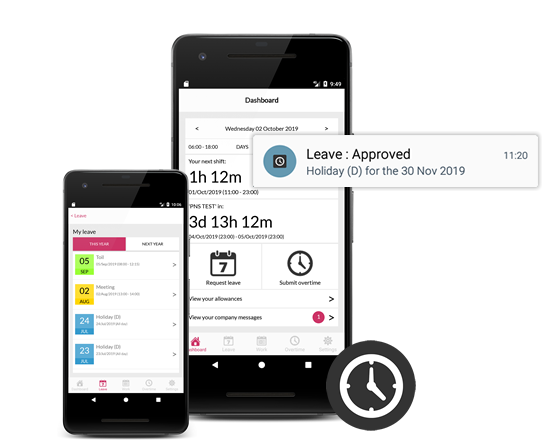
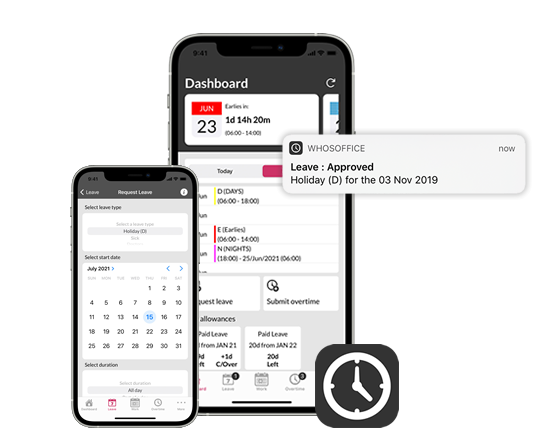
With WhosOffice, your team can stay up-to-date in any location by downloading our app to their Android or iOS smartphone. Mobile software is the ideal way to deliver new schedules, updates and instructions to any team member, wherever they are.

 

Dedicated iOS app available
Download frmo iTunes
iOS ratings
Dedicated Android app available
Download from Google Play
Google play ratings

"A user friendly, easy to navigate app.
Allows the user to see up and coming shifts, holiday and overtime at a glance."

J.Smith
 

"Have found the app quite useful for the past few years, but the new update really makes it easy to book my holiday and check shifts. Much better than the leave forms I used before!"

Anon999450
 

"Excellent app - able to manage work shifts and leave very simply."

S.Stocks


Shift planning data in the palm of your hand

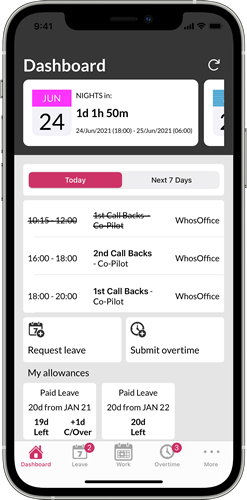
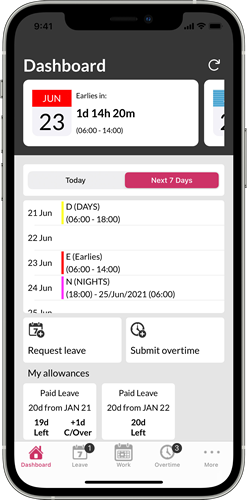
Our mobile shift planning app provides exactly the same functions as the online WhosOffice portal, in the palm of your hand. Download the app, so you can:

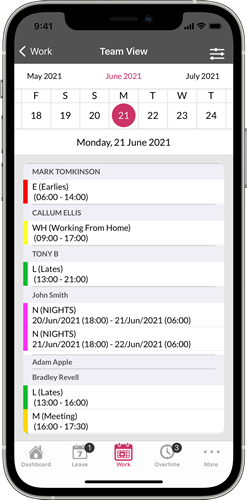
  • Access the latest work schedules and rotas
  • Check leave entitlement and request time off
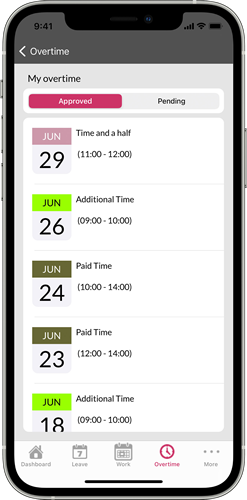
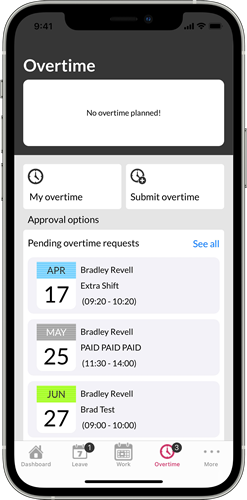
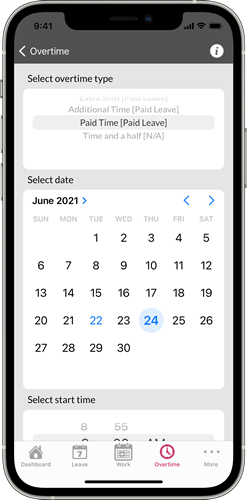
  • Manage overtime and respond to open shift opportunities

The application is free to download and use for any WhosOffice customers.
User dashboard
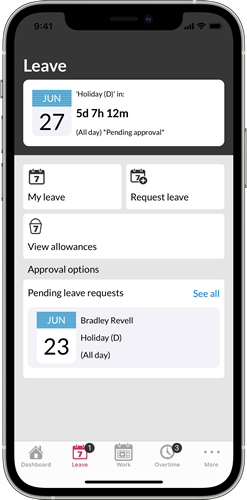
Leave dashboard
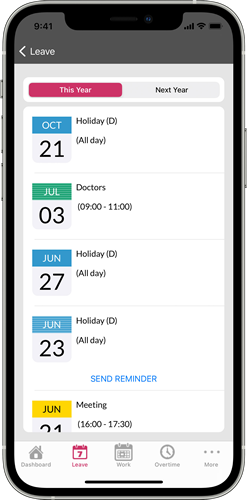
Leave management
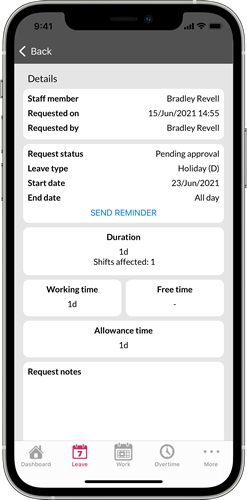
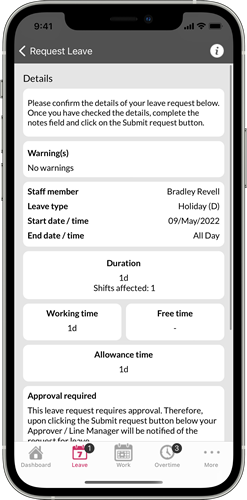
Leave request details
Staff dashboard with task management
Overtime management
Overtime dashboard
Submit overtime
Submit leave
Overtime dashboard
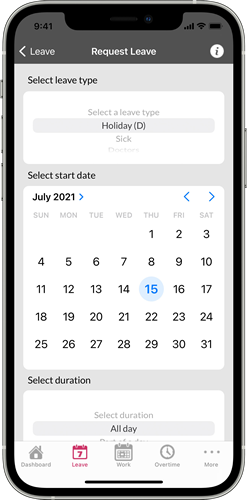
Request leave
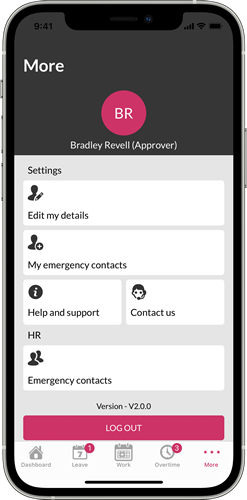
Users more dashboard


Frequently Asked Questions


Is access to the WhosOffice app included in my price plan?

Yes – all WhosOffice users can choose to download our mobile app free of charge as part of our customer package.


What devices are compatible with the WhosOffice mobile app?

We have created Android and iOS versions of the WhosOffice mobile app.


Who is the app for?

Anybody in your business can use the WhosOffice mobile app to access key features of our software. For example, general users can look up their next shift, check their remaining holiday entitlement, or see what tasks they’ve been assigned each shift if your subscription includes the task planning & management feature.

Managerial staff can also use the app to make changes to the schedule, approve leave requests and manage staff overtime.


Will changes made on the app sync with the central WhosOffice platform?

WhosOffice is a cloud-based platform, which means users can access consistent information – however they are logging into their online account. This gives your team the freedom to use WhosOffice across multiple devices, including our mobile app, with the assurance that all information will be instantly updated and recorded centrally. Everybody has one version of the truth.

Close menu Home Features Pricing Support Contact us Our blog Request Demo

Cookie settings for whosoffice.com

We use cookies to improve our website experience, we also use cookies to help us undertand how our website is used, enhance site navigation and analyze site usage and advertising. For more information please refer to our Cookie Policy.

AdvertisingEnables storage related to advertising, for example, advertising campaign.
AnalyticsEnables storage related to analytics, for example, visit duration.
TargetingSets consent for sending user data to Google for online advertising purposes.
MarketingSets consent for personalized advertising.
Manage cookies